Welcome to Kingdom 202
Official hub for Kingdom 202. Manage your KvK tokens, apply for titles, and access server tools. Unity is our strength.
You are browsing as a guest. Log in to access player data, submit bids, apply for titles, and use all guild features.
Join Unity Discord
Connect with the community, get real-time updates, and coordinate with alliances.
Kingdom Stats
KS-Atlas Map Disabled
Open directlyKingdom Announcements
Recent Activity
No recent activity.
Kingshot Feed
Live Updates & CodesActive Polls
No active polls at the moment.
Kingdom Quiz
Contact Leaders
Need help in-game? Reach out to our team:
Suggestion Box
Kingdom Rules
Official rules and guidelines for Kingdom 202.
Players
Browse player profiles, check your tokens, and edit your military data.
Loading data from Airtable...
| Player | Tokens | KvK Pts |
|---|
Player not found.
KvK Ranks
Official results and token distribution .
Latest KvK Results
| Rank | Player | Points | Tokens |
|---|---|---|---|
| Loading... | |||
SG Token Auction
Bid your KvK Tokens to secure your rank .
Place Your Bid
Top Bids
| Rank | Player | Bid |
|---|---|---|
| Loading... | ||
♞Noble Advisor
Calculate your score and select your preferred time slots.
Official Schedule
| Time (UTC) | Player | Proj. Score |
|---|
Chief Minister
Sign up for Build or Research day buffs.
Build Schedule
| Time | Player | Score |
|---|
Research Schedule
| Time | Player | Score |
|---|
Build & Research Schedule
| Time | Player | Score |
|---|
Transfers
Submit your transfer request to join Kingdom 202.
Server Information
Loading server info...
Event Schedules (UTC)
Contact R4/Admin
For any questions regarding immigration, limits, or available spots, please message one of our leaders in-game.
Kingdom Guides
Loading guides...
Server Tools
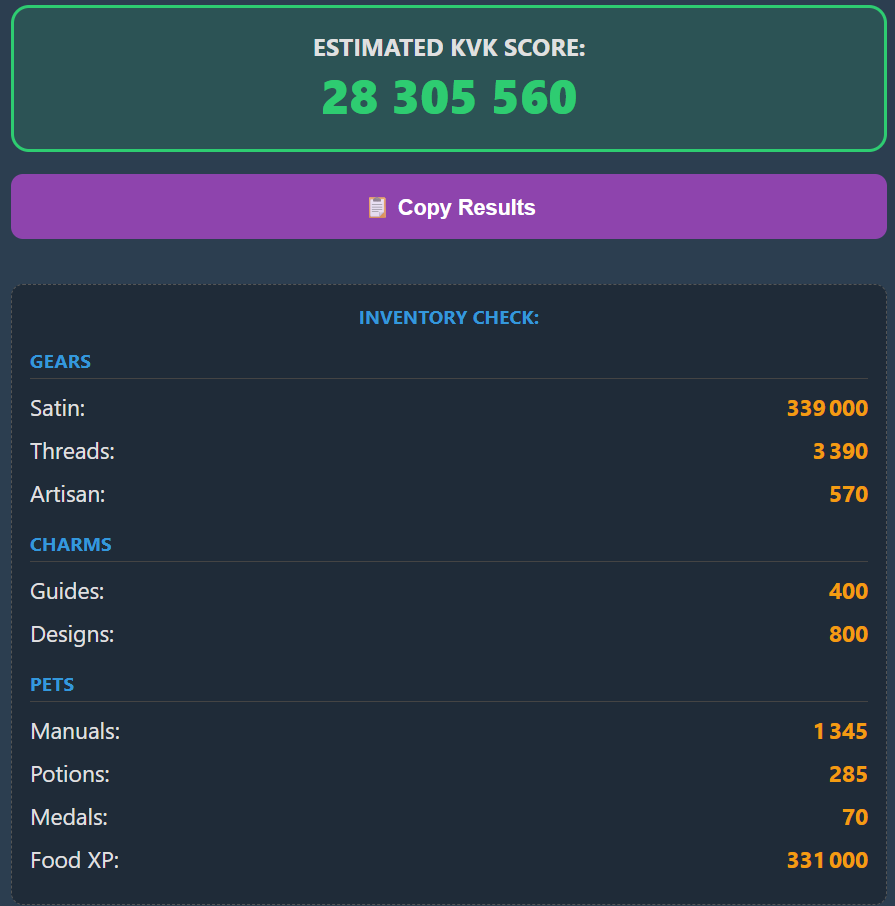

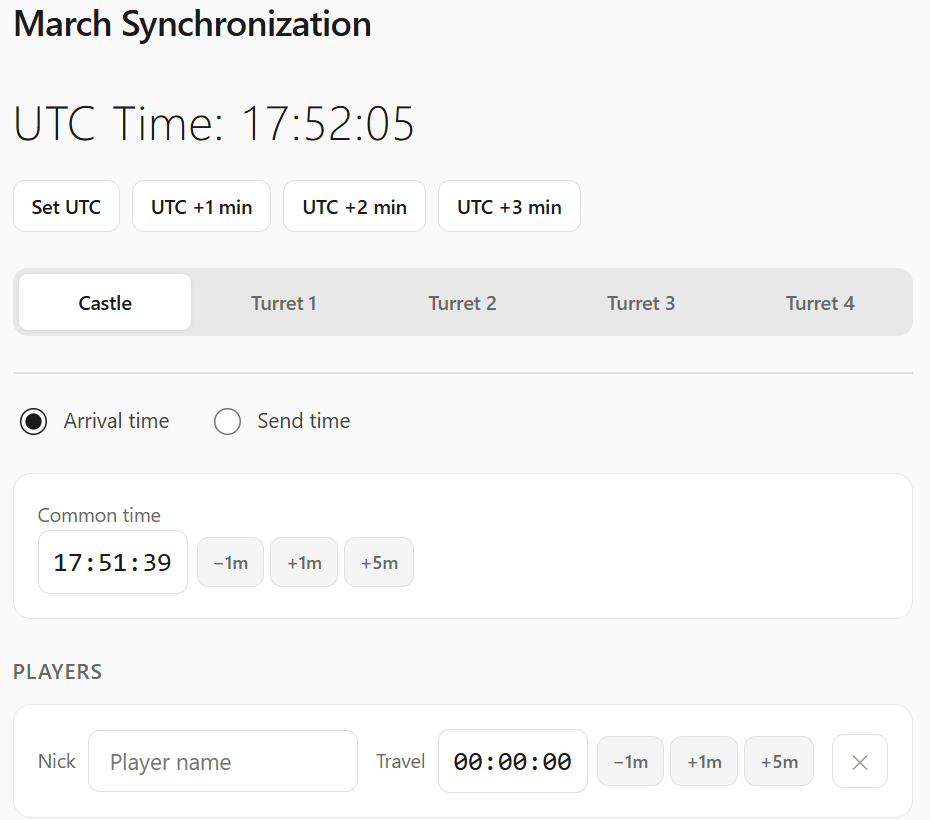
Battle Organisation
Register your availability and troop information for upcoming battles.
Registered Players
| Player | Alliance | Available Slots (UTC) |
|---|
Military Database
| Alliance | Player | INF Tier | INF Lvl | CAV Tier | CAV Lvl | ARC Tier | ARC Lvl | Rally Cap | Deploy Cap | Heroes |
|---|
Command Center
Manage events, moderate bids, and distribute rewards.
Authentication
How Noble Advisor & Chief Minister work
Noble Advisor — Players submit their training score and preferred time slots. Assign slots here and publish the schedule.
Chief Minister — Build and Research phases are fully independent, each with its own Auto-Assign, Save and Publish. Slots are 30-minute windows auto-generated from the buff start time set when opening the event.
Workflow: 1. Auto-Assign — sorts by score DESC, assigns greedily. Unassigned players appear with no slot. 2. Adjust manually via dropdowns. 3. Save = private draft (admin/R4 only). Publish = visible to all players.
R4 note: You can assign slots and save drafts, but only Admins can Publish.
| Player | Score | Req. Slots | Assign | Status | Action |
|---|
How this tab works
Auto-Assign
Uses bipartite matching (augmenting paths). Players are sorted by score (highest first). The algorithm tries every preferred slot; if a slot is taken it recursively tries to relocate the current occupant to one of their other slots, maximising total coverage. Forced slots are never displaced in "Unforced" mode.
Forced Slot
Click the icon next to a player's assigned slot to toggle Forced status. Forced players are skipped by auto-assign (their slot is reserved).
Inline Editing
Click a player name to reassign them to another registered player. Click their slot to type a different slot directly (format: HH:15 or HH:45, e.g. 14:15).
CSV Import — Expected columns
The Google Form CSV must contain these columns (flexible matching, order doesn't matter):
- Name / Alliance — player in-game name
- Speed Ups / Speedup — construction speedup hours
- Troop Lvl / Tier — highest troop tier (optional)
- Training Speed — base training speed % (optional)
- Good Time / Time Slot — preferred UTC windows (e.g. "5 – 6 UTC;18 – 19 UTC")
Backup & Recovery
Use Export CSV at any time to save the current table. If something goes wrong, delete all entries and re-import that CSV file.
Google Form Import — Training Schedule
Import the CSV export of the Noble Advisor Google Form. The app calculates the score automatically.
| Player (Form) | Match | Tier | Speed% | Speedups (h) | Score | Slots | Action |
|---|
How Noble Advisor & Chief Minister work
Noble Advisor — Players submit their training score and preferred time slots. Assign slots here and publish the schedule.
Chief Minister — Build and Research phases are fully independent, each with its own Auto-Assign, Save and Publish. Slots are 30-minute windows auto-generated from the buff start time set when opening the event.
Workflow: 1. Auto-Assign — sorts by score DESC, assigns greedily. Unassigned players appear with no slot. 2. Adjust manually via dropdowns. 3. Save = private draft (admin/R4 only). Publish = visible to all players.
R4 note: You can assign slots and save drafts, but only Admins can Publish.
First slot = t0 − 15 min, last slot = t0 + 23h45. Slots update for all players.
| Player | Score | Req. Slots | Assign | Status | Action |
|---|
First slot = t0 − 15 min, last slot = t0 + 23h45. Slots update for all players.
| Player | Score | Req. Slots | Assign | Status | Action |
|---|
Slot recommendations update automatically based on buff windows and score profile.
| Player | Score | Req. Slots | Assign | Status | Action |
|---|
How this tab works
Auto-Assign (Build / Research / Both)
Uses the same bipartite matching algorithm as Noble Advisor. Players sorted by score DESC; highest-score players get first pick. Forced slots are never displaced in "Unforced" mode. Phase (Build, Research, Build & Research) is independent — run Auto-Assign per sub-tab.
Forced Slot
Click the icon next to a player's slot to toggle Forced status. Forced assignments are preserved when running "Unforced" auto-assign.
Inline Editing
Click a player name to reassign to another registered player. Click their slot to edit it directly (format: HH:15 or HH:45).
CSV Import — Expected columns
The Google Form CSV must contain these columns (flexible matching, order doesn't matter):
- Player / Name — player in-game name
- Construction Speedups — construction speedup hours
- Research Speedups — research speedup hours
- General Speedups — general speedup hours (split proportionally)
- True Gold — True Gold amount
- Tempered True Gold — Tempered True Gold amount
- Golddust / Gold Dust — Golddust amount
- Time Slot / Preferred — preferred UTC windows (e.g. "5 – 6 UTC;18 – 19 UTC")
Phase is auto-detected: Build if only Construction > 0, Research if only Research > 0, Build & Research if both > 0.
Backup & Recovery
Use Export CSV at any time to save the current table. If something goes wrong, delete all entries and re-import that CSV file.
Google Form Import — Construction/Research
Import the CSV export of the Chief Minister Google Form (Day 1 combined). Phase is auto-detected per player.
| Player (Form) | Match | Phase | Build Score | Research Score | Slots | Action |
|---|
How this tab works
Players bid KvK tokens to secure an SG rank slot. The system allocates ranks automatically — highest bid wins priority within the requested rank.
1. Open the SG event from the Settings tab. 2. Players submit bids in the public SG Bids tab. 3. Click ✓ to validate a bid: tokens are deducted and the record is removed from the live list. 4. Use Close & Archive when done.
Only Admins can validate bids (deduct tokens) and close the event.
| Rank | Player | Bid | Action |
|---|
How this tab works
Tracks individual KvK contributions and distributes tokens based on final rank.
1. Open a KvK event in Settings (name + opponent state + start date). 2. Use the OCR Prompt with an AI to extract rankings from screenshots into CSV format. 3. Paste the CSV into AI/JSON Import (format: 1,PlayerName,Points). 4. Click Preview Import — unmatched names show in red (fix manually or via the name map). 5. Click Publish & Distribute Tokens to credit all ranked players.
Token formula: Top 10 = 20 pts, 11-20 = 18, 21-30 = 16, 31-40 = 14, 41-50 = 12, 51-75 = 10, 76-100 = 8, 101-200 = 4. Use Close & Validate Token Balance to archive and reconcile.
Manual Reward
OCR Prompt — AI Rank Extraction
Copy this prompt into your AI, then send your ranking screenshots. Paste the result below.
Role: You are a specialized OCR data extractor for game rankings.
Task: I will send you a series of game leaderboard screenshots in multiple batches. Extract Rank, Player name, and Event Points.
Strict rules:
1. Ignore power stats and any data other than rank, player name, and event points score.
2. Output format per line: Rank,[TAG]Name,Points (example: 1,[ABC]JohnDoe,1250000). No space after commas.
3. If points are not visible in the screenshot, output 0 for that column.
4. Extract ALL players ranked 1 to 200, regardless of their alliance tag. Do NOT filter by alliance — the application handles filtering.
5. Ignore any player ranked above 200 (rank > 200).
6. CUMULATIVE output: at each new batch, re-output the COMPLETE list from rank 1 including all previous entries, then continue with the new entries. This ensures I can copy-paste one final complete block at the end.
7. No header row, no intro text, no conclusion. Raw CSV only.
AI/JSON Import
Tags d'alliance à inclure :
Preview (0 valid)
Live KvK Ranks (Editable)
| Rank | Player | Points | Tokens | Actions |
|---|
How this tab works
Displays all player transfer applications submitted via the public Transfers tab, with their origin server, alliance, power level and certainty.
Use Edit Schedules to update event times per alliance (Bear Trap, Vikings, etc.) — changes save automatically. Export the table with the CSV button for external use.
| Player | Info | Power | Action |
|---|
Activity Audit Log
| Date | Type | Details | Undo |
|---|---|---|---|
| Click to load audit log. | |||
Token Transaction History
| Date | Player | Amount | Event | Details |
|---|---|---|---|---|
| Load audit log to populate. | ||||
| Date | Suggestion / Message |
|---|
How this tab works
Players register their availability and troop data for the upcoming Battle day. You can then organise slots and build the battle plan.
1. Open the Battle event in Settings (date). 2. Players register in the public Battle tab. 3. Set the battle time window and troop ratios in the Battle Plan Config section. 4. Click Auto-Assign to distribute slots. 5. Publish when ready.
R4 can view player registrations but cannot edit the battle plan or publish.
Rally Captains
Battle Window (UTC)
Assignment Mode
| Player | Alliance | Troops | Deploy Cap | Available Slots | Action |
|---|
Pending Reset Requests
| Username | Type | In-game name | Submitted | Actions |
|---|---|---|---|---|
| Loading… | ||||
User Accounts
| Username | Role | Player Profile | Link | Actions |
|---|---|---|---|---|
| Loading… | ||||
Post Notification
Active Notifications
Loading…
How this tab works
Event Management — Open or close each module (Noble Advisor, Chief Minister, SG Bids, KvK Ranks, Battle). When opening a KvK event, provide the name, opponent state number, and start date. Closing automatically archives data and closes the public tab.
Home Page — Edit the welcome text, kingdom announcements, and leader contacts via the Edit Home Page button (visible on the Home tab when logged in). Use Layout Mode to drag and resize home widgets.
Polls — Create and manage polls from the Home tab using the + Add button in the Polls section. Players vote once; admins can delete at any time.
Audit Log — The Audit tab records all token transactions, event opens/closes, and admin actions with timestamps.
Event Management
Alliance Tags
Alliance tags registered here define the official alliances of this server. Renaming a tag updates all linked player records. Custom colors override the default auto-assigned palette.
Token Balance Audit
Compares each player's current token balance against the sum of KvK rewards minus SG bids recorded in archives. Discrepancies indicate manual changes or missing archives.
Manual Token Adjustment
Credit or debit tokens for a specific player. The change is logged in Audit and applied immediately to the player's balance.
Database Maintenance
Kingdom 202 Assistant
Ask questions about Kingshot strategy, heroes, KvK mechanics, and how to use this portal.
Quick Questions
What can I ask?
The bot can help with
- Heroes, talent builds & pairing
- KvK strategy & phases
- March & troop compositions
- Token system, SG bids, events
- Portal features (tabs, tools)
- Research & building priorities
- Alliance mechanics & roles
The bot cannot
- Access real-time player stats
- See live bids or leaderboards
- Modify server data
- Guarantee specific outcomes
Press Enter to send · Images accepted (max 4 MB) · Conversations are not stored